Focus on your patient during the visit.
See patients in the room or on video, and prescribe from the patient’s chart. AI Scribe and AI Assistant help you prepare and draft the note, while you make every clinical decision.
From chart review to approved note.
Prepare for the visit
Review the patient’s history, previous visits and results before the conversation begins.
Start with consent
AI Scribe starts recording a visit only after the patient consents.
Develop your care plan
Work through potential next steps with the patient’s history and findings in context. You decide what to recommend.
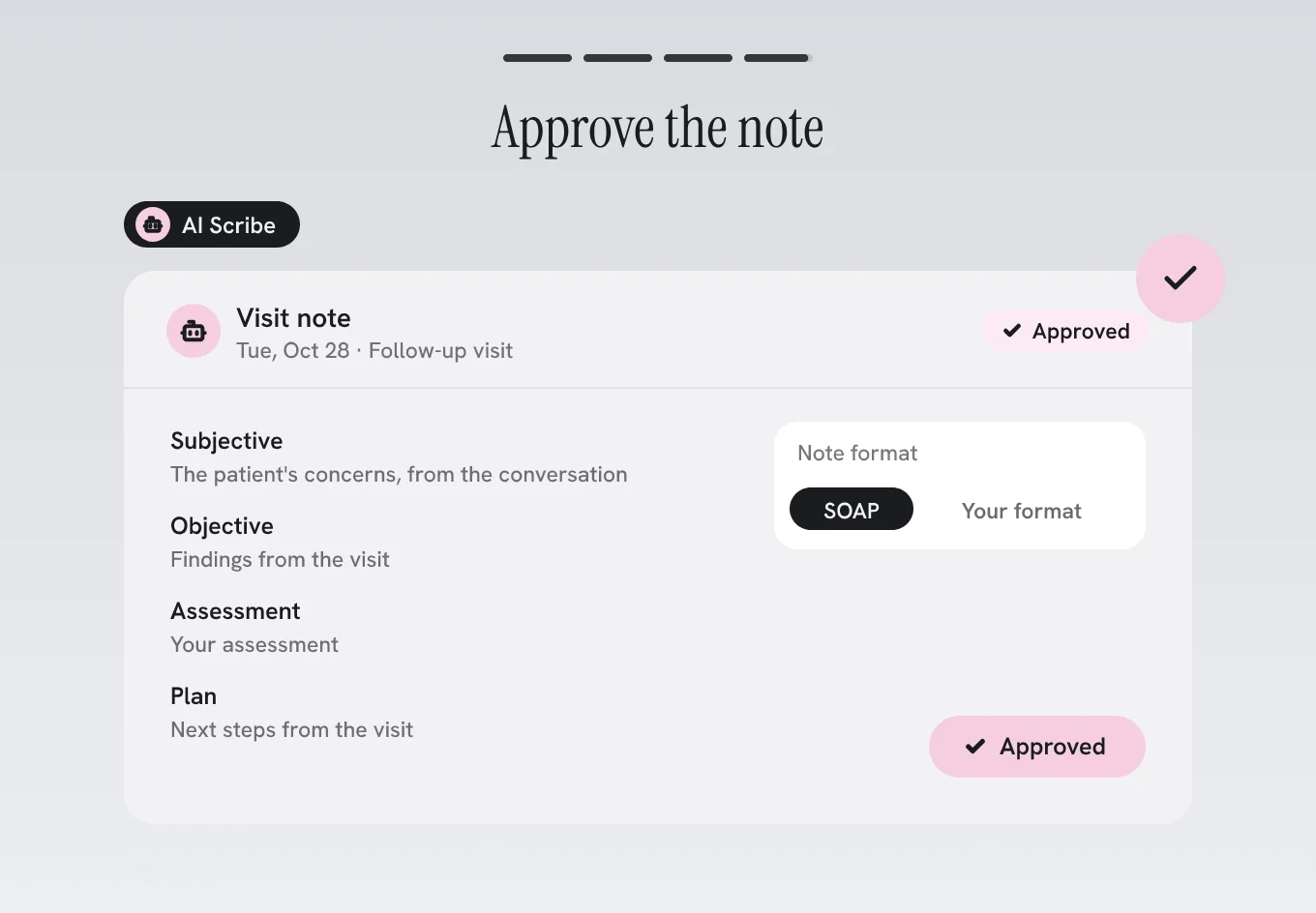
Approve the note
Review AI Scribe’s draft in SOAP or your practice’s own format, then approve it before it’s filed or shared.
The tools for video visits and prescriptions.
Telehealth
See patients by video, directly through their browser. You admit them when you’re ready.
Prescriptions
Write in the patient’s chart and send to their pharmacy through the Surescripts network.
Two AI roles help with the work.
AI Scribe
With patient consent, turns the conversation into a structured note for your review and approval.
AI Assistant
Helps you prepare, get answers from the chart and think through care plans.
In the room or on video.
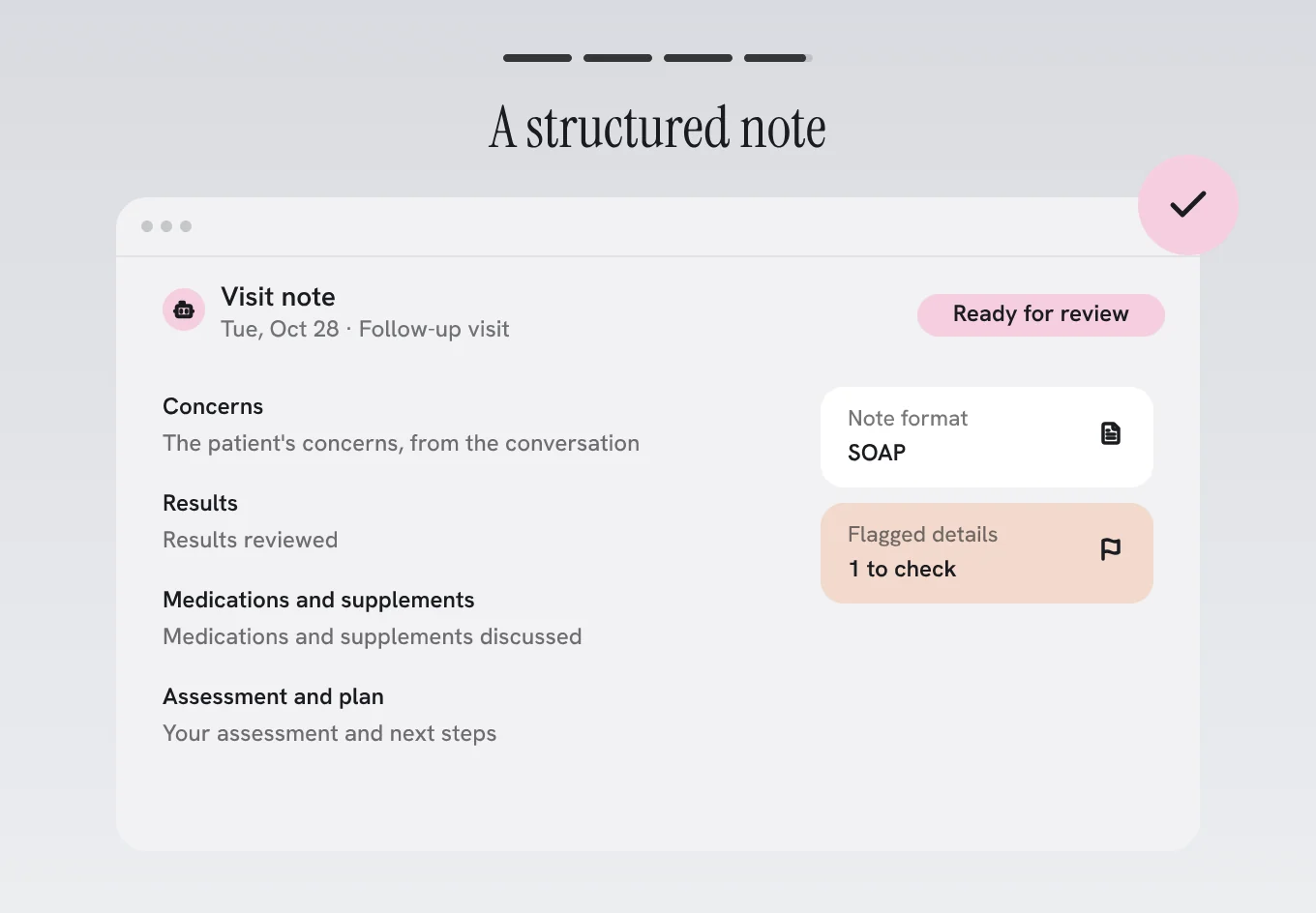
In-person visits
Captures the conversation while you focus on your patient. Recording starts only after consent.
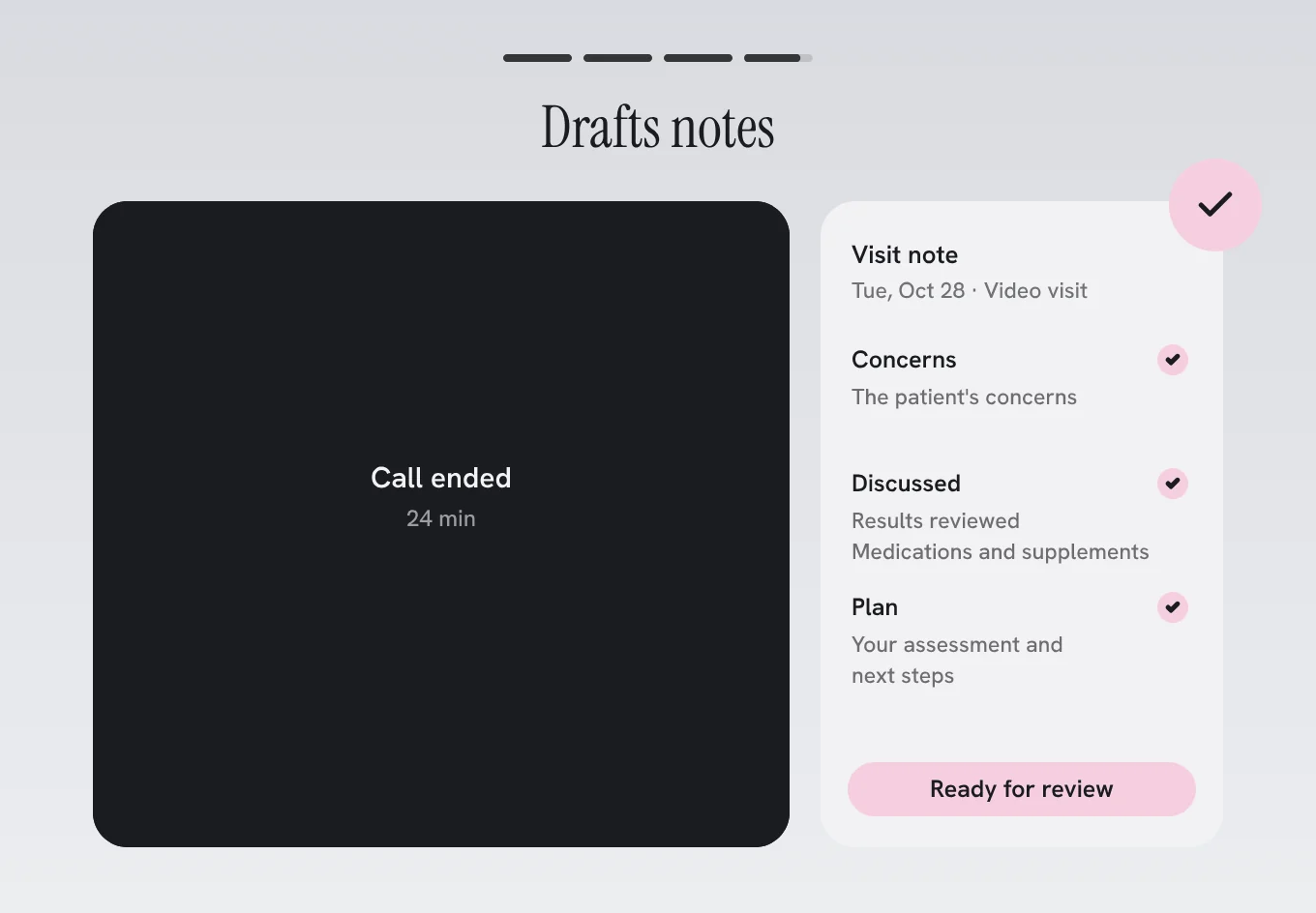
Video visits
Drafts notes from telehealth conversations, with the same consent requirement.
Patient consent. Your approval.
Recording requires patient consent. You review, edit and approve the note before it’s finalized, filed or shared. AI does not prescribe or make clinical decisions.
Security and AI safetySee what happens during the visit.
Walk through consent, a sample draft and practitioner review in a free 30-minute video demo.
Pre-visit Post-visit Meet the AI team
Part of RunPractice, which automates patient coordination for independent practices.