Enroll members. Automate renewals.
Patients join through the portal and pay through Stripe. Your team tracks plans, renewal dates and failed payments in one place.

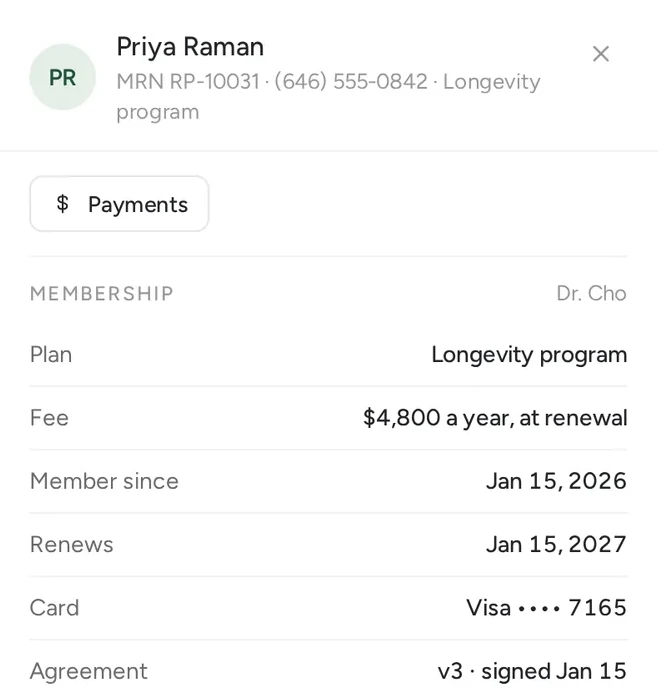
From enrollment to the next payment.
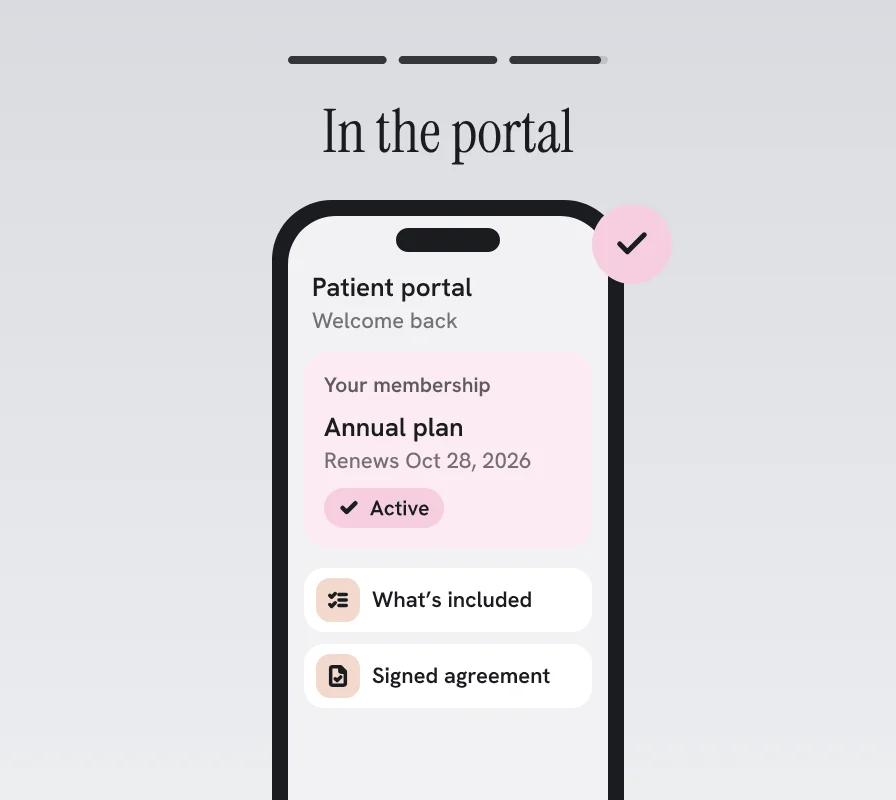
Sign up
Patients choose a plan and sign the membership agreement in the portal.
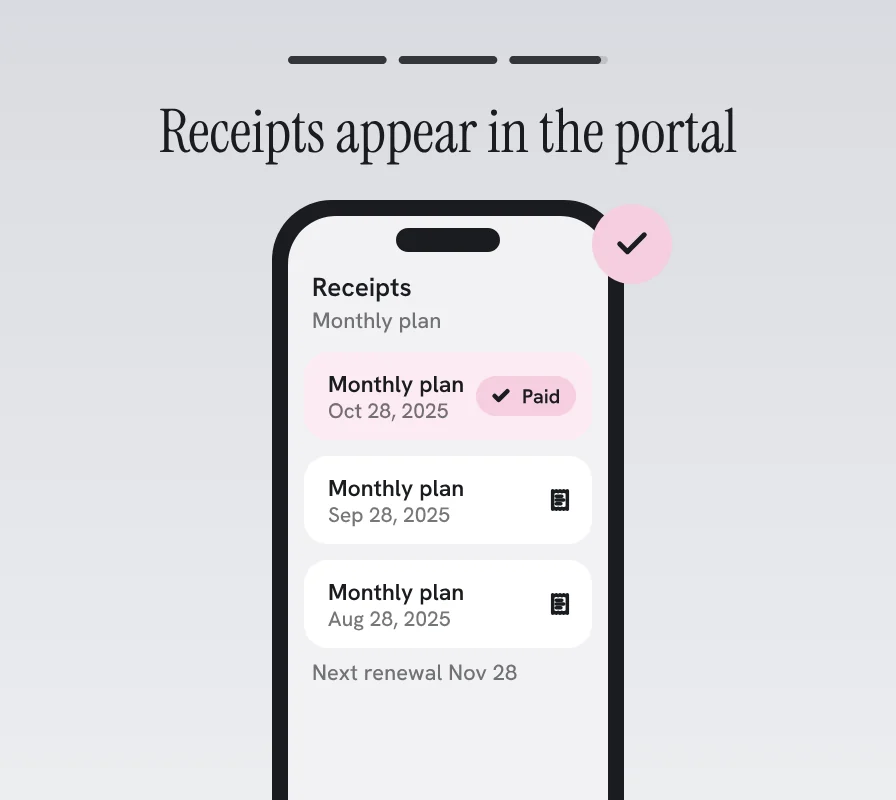
Renew
Stripe charges the saved card on the renewal date. Receipts appear in the portal.
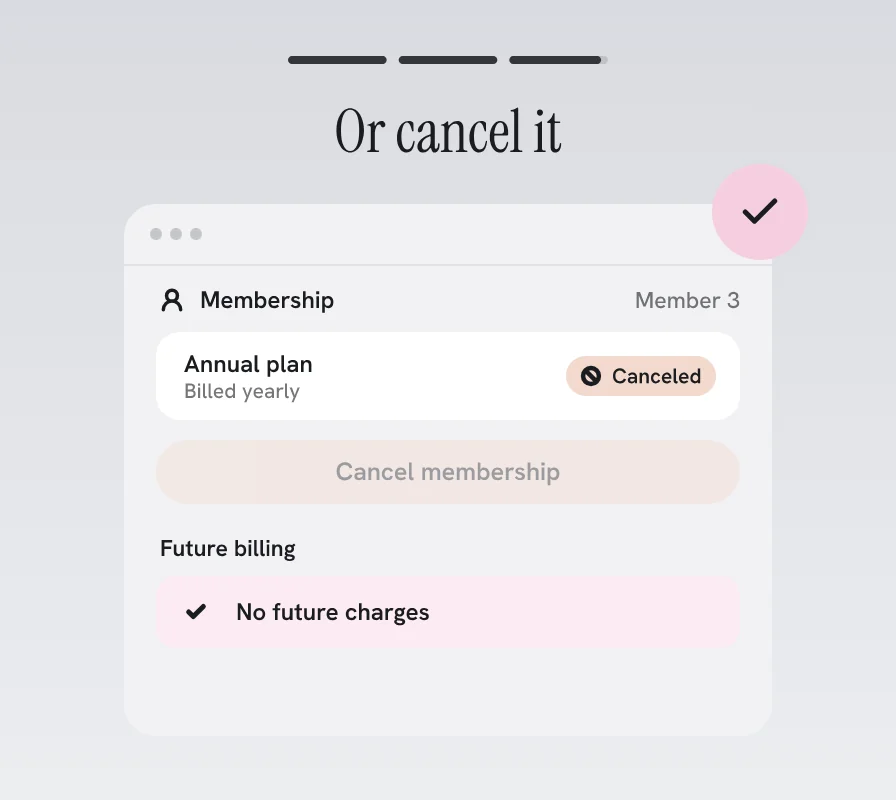
Change or cancel
Update a member’s plan or cancel it. Future billing follows the change.
Set the benefits. Manage the membership.
Plan setup
Choose each plan’s price, billing period and benefits.
Member list
See each member’s plan and next renewal date.
Member portal
Show patients what their plan includes and when it renews.
Failed payments
See which renewal charges failed. Members can update their card in the portal.
Signed agreements
Keep each member’s signed agreement with their patient record.
Covered visits
Include services in a plan so covered visits aren’t charged again at booking.
Visit packages
Set a package’s price and visit count. Track how many visits remain.
See your membership plan in RunPractice.
Walk through plan setup, patient enrollment and a renewal in a free 30-minute video demo.
Payments Patient portal AI Recall
Part of RunPractice, which automates patient coordination for independent practices.