Let patients book their own appointments.
Offer the services, practitioners and times you choose. Keep bookings and appointment changes on one practice calendar.

Three ways to book.
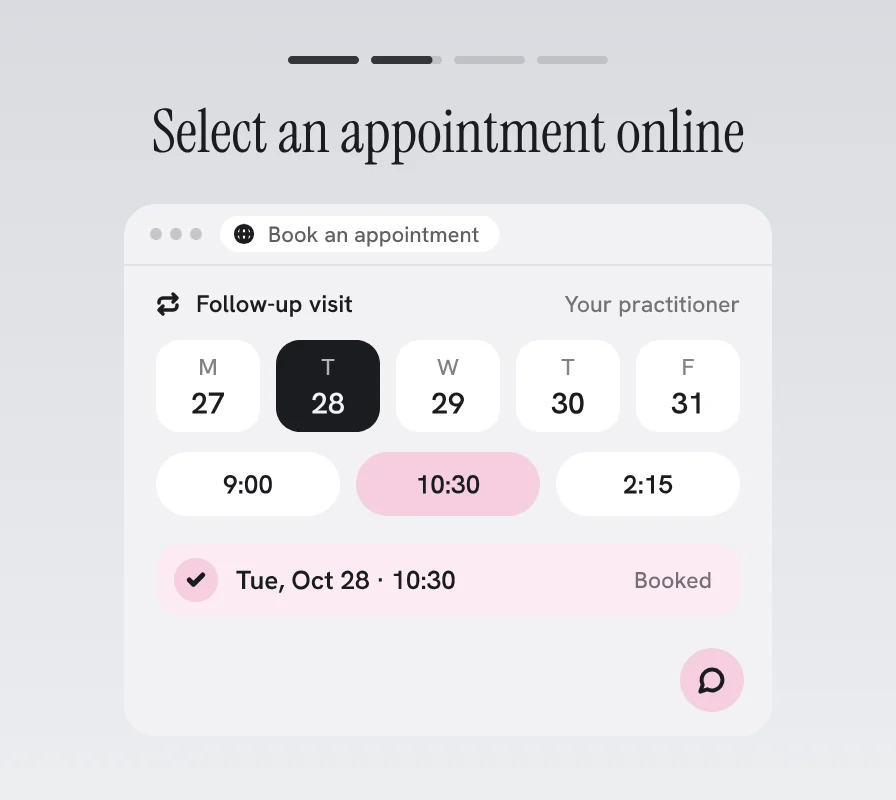
Your website
Patients select an appointment online or ask website chat to help them book.
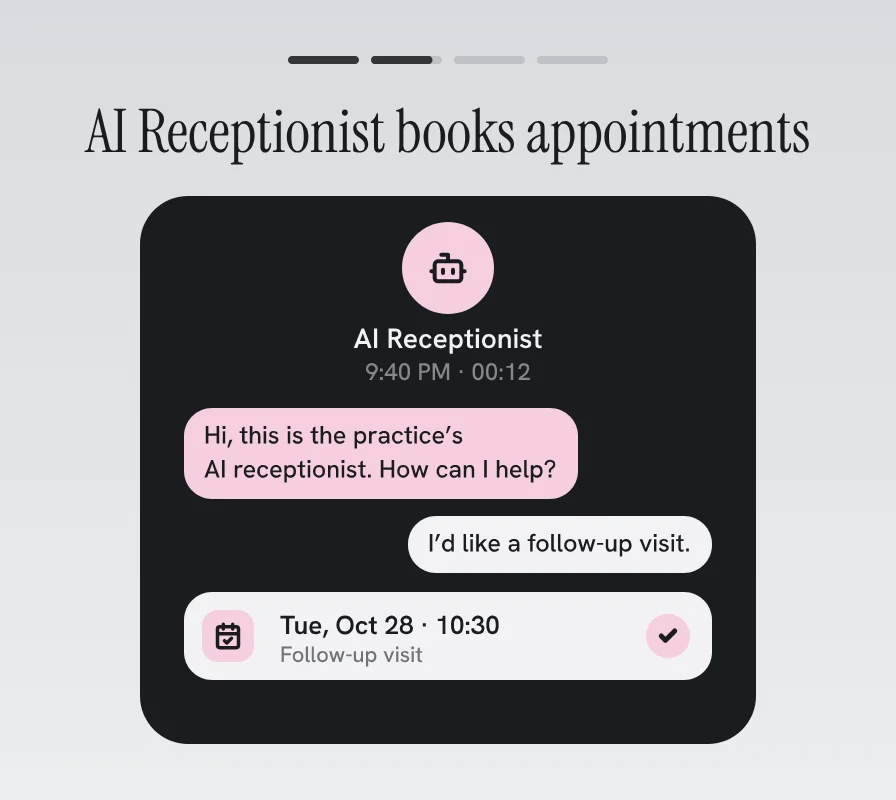
Phone calls
AI Receptionist books appointments 24/7 or after hours. Your team can take over the conversation.
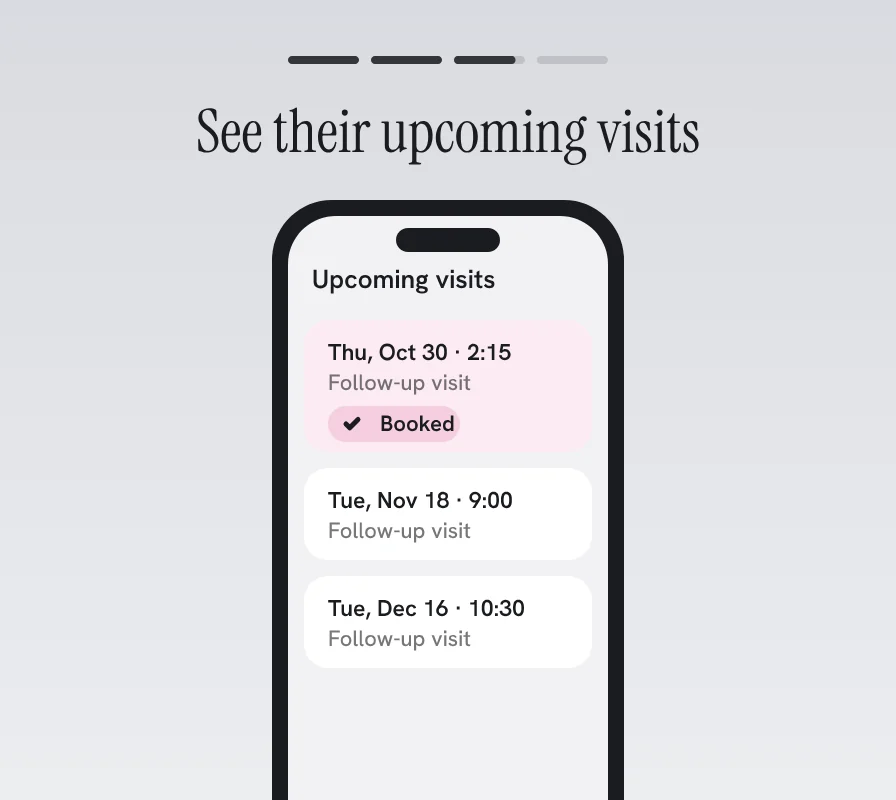
Patient portal
Existing patients book appointments and see their upcoming visits.
Choose what’s available to book.
Services and practitioners
Choose which services patients can book and which practitioners provide them.
Appointment lengths
Set the time needed for each type of visit.
Blocked time
Keep unavailable hours off the booking calendar.
Rescheduling and cancellations
Let patients change appointments within your practice’s rules.
Waitlist
Offer open appointments to patients waiting for a time.
Cancellation policy
Show your policy before patients confirm their booking.
See a booking from start to finish.
Choose a service, find a time and see the appointment appear on your calendar in a free 30-minute video demo.
AI Receptionist Reminders Patient portal
Part of RunPractice, which automates patient coordination for independent practices.