Collect payments. Track balances.
Patients pay through Stripe. Your team sees what’s paid, what’s outstanding and what’s been refunded.

Choose how patients pay.
At booking
Collect the visit fee when patients book online.
Card on file
Let patients save a card for future payments.
Payment links
Send a secure Stripe link through the patient portal for an outstanding balance.
Visit packages
Offer prepaid visits and let patients see how many remain in their portal.
Manage charges, receipts and refunds.
Charge timing
Choose when each service is charged: at booking, on the visit day or afterward.
Patient balances
See amounts due, paid and refunded for each patient.
Receipts
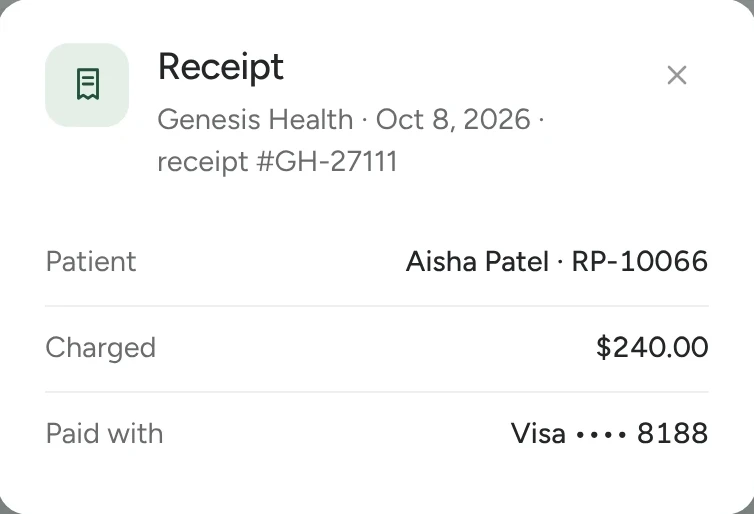
Give patients access to payment receipts in their portal.
Superbills
Provide superbills patients can submit to their insurance plan.
Refunds
Issue a refund from the original payment and record the reason.
Your Stripe account
Receive payments through your practice’s own Stripe account.
Patients enter card details through Stripe. AI never collects them.
See a payment from booking to receipt.
Walk through a payment, an outstanding balance and a superbill in a free 30-minute video demo.
Memberships Patient portal Scheduling
Part of RunPractice, which automates patient coordination for independent practices.